
AI Video Editor
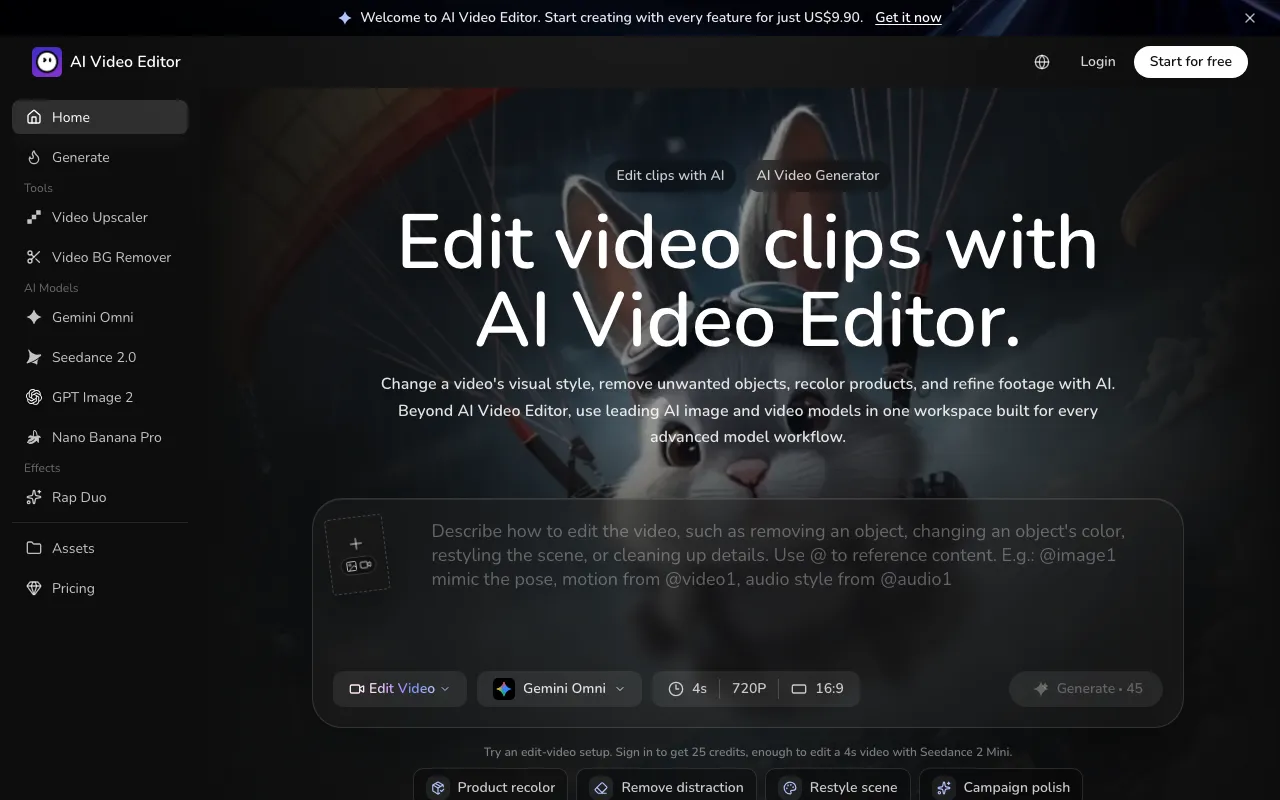
Edit your videos using prompts (text instructions). Remove objects and watermarks, change the colors of your products, switch up the style, and get clean results without having to reshoot
Best for
Edit your videos using prompts (text instructions). Remove objects and watermarks, change the colors of your products, switch up the style, and get clean results without having to reshoot
About AI Video Editor
Edit your videos using prompts (text instructions). Remove objects and watermarks, change the colors of your products, switch up the style, and get clean results without having to reshoot
Scenarios
Alternatives
Vmake Video Enhancer
Video Editing
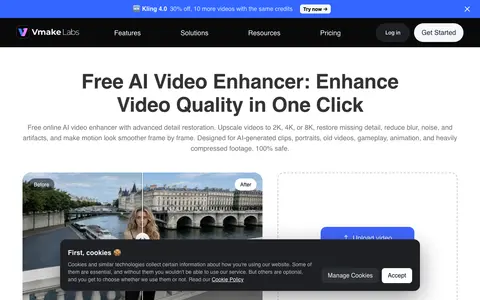
Enhance blurry, low-quality videos to HD and 4K with AI. Vmake sharpens video details, improves clarity, and makes your videos look more professional in seconds
Enhance blurry, low-quality videos to HD and 4K with AI. Vmake sharpens video details, improves clarity, and makes your videos look more professional in seconds

AI Video Upscale by Capcut
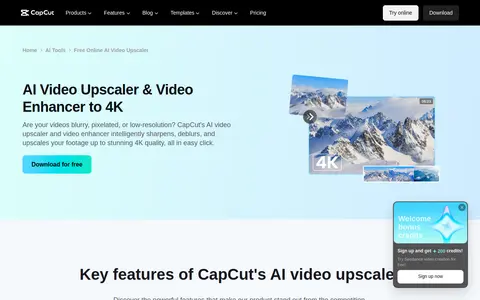
Increase the resolution of your videos free of charge with AI. Enhance the quality of your videos in ultra HD (4K)
Increase the resolution of your videos free of charge with AI. Enhance the quality of your videos in ultra HD (4K)


Adobe Premiere Pro
Video Editing
Professional video editing software with powerful AI features: AI video generation, smart transitions, voice enhancement, automatic subtitling, colorimetry and more
Professional video editing software with powerful AI features: AI video generation, smart transitions, voice enhancement, automatic subtitling, colorimetry and more